Give your AI coder taste.
200k+ screenshots from 900+ real iPhone apps, sorted by screen, flow and UI element. One folder your AI can pull real examples from, whenever you ask.
Pay once. No subscription. Works offline.
Every screen here is in the folder, plus 200k+ more.
Not an MCP.
Just a folder.
Your AI coder already reads files. Unzip tastekit.zip, give it one line, and it can pull up how real apps did it whenever you ask.
Plugging in an MCP
- A server to run
- An API key
- A monthly plan
- Online only
tastekit.zip
- Unzip it
- One line in your rules
- $19 once
- Works offline
Unzip it somewhere it can stay
Your home folder is perfect. This is what you get:
- ~/tastekit
- index.htmlopen this to browse
- AGENTS.mdyour AI reads this
- catalog.csvevery screen, one line
- By App900+ apps
- By Screen Type100+ types
- By Flow Type80+ flow types
- By UI Element50+ elements
- By App Category25+ categories
Paste one line into your AI's rules
Once. It works in every project after that.
Just ask
“Show me onboarding flows from fitness apps.” “How do top apps design paywalls?” Your AI finds the real screens, shows you, and can build yours from them.
Example session. Your AI picks its own examples each time.
~/tastekit/AGENTS.mdcatalog.csv for “Subscription & Paywall” · 900+ screens in 400+ appsOpal 0028.webp Duolingo 0403.webp Flighty 0177.webp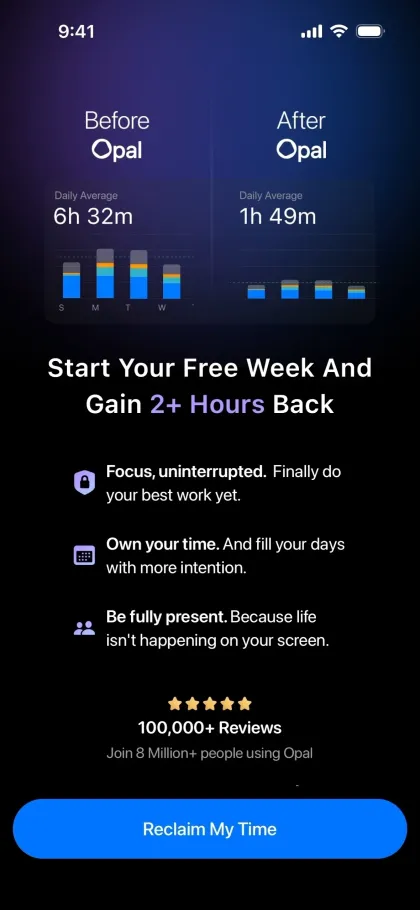
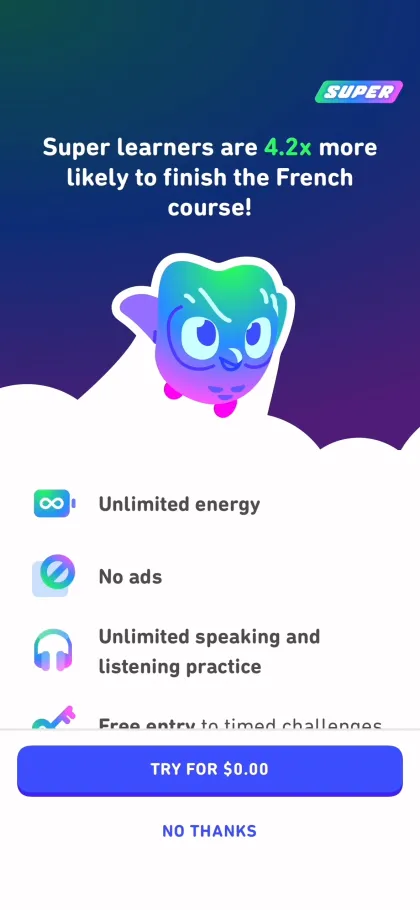
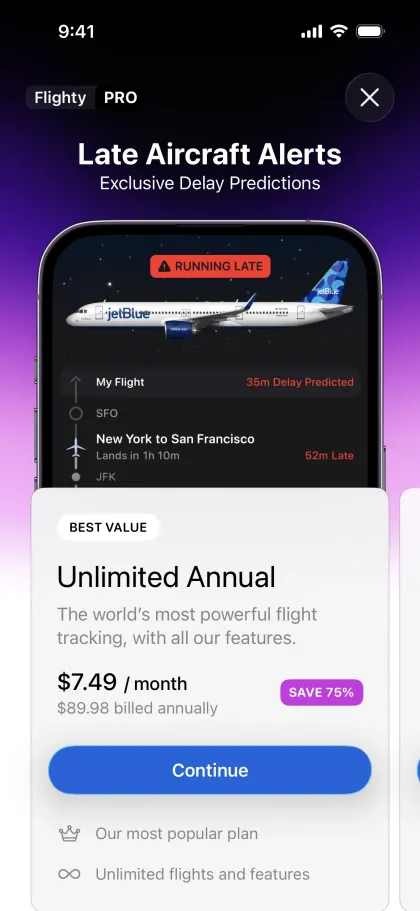
app/paywall.tsx900+ apps.
Every screen.
The latest version of each app, captured screen by screen and tagged, so you and your AI can find the exact thing you're building.
See all 900+ apps
Or just browse it.
Double-click index.html and the whole library opens in your browser. No install, no internet.
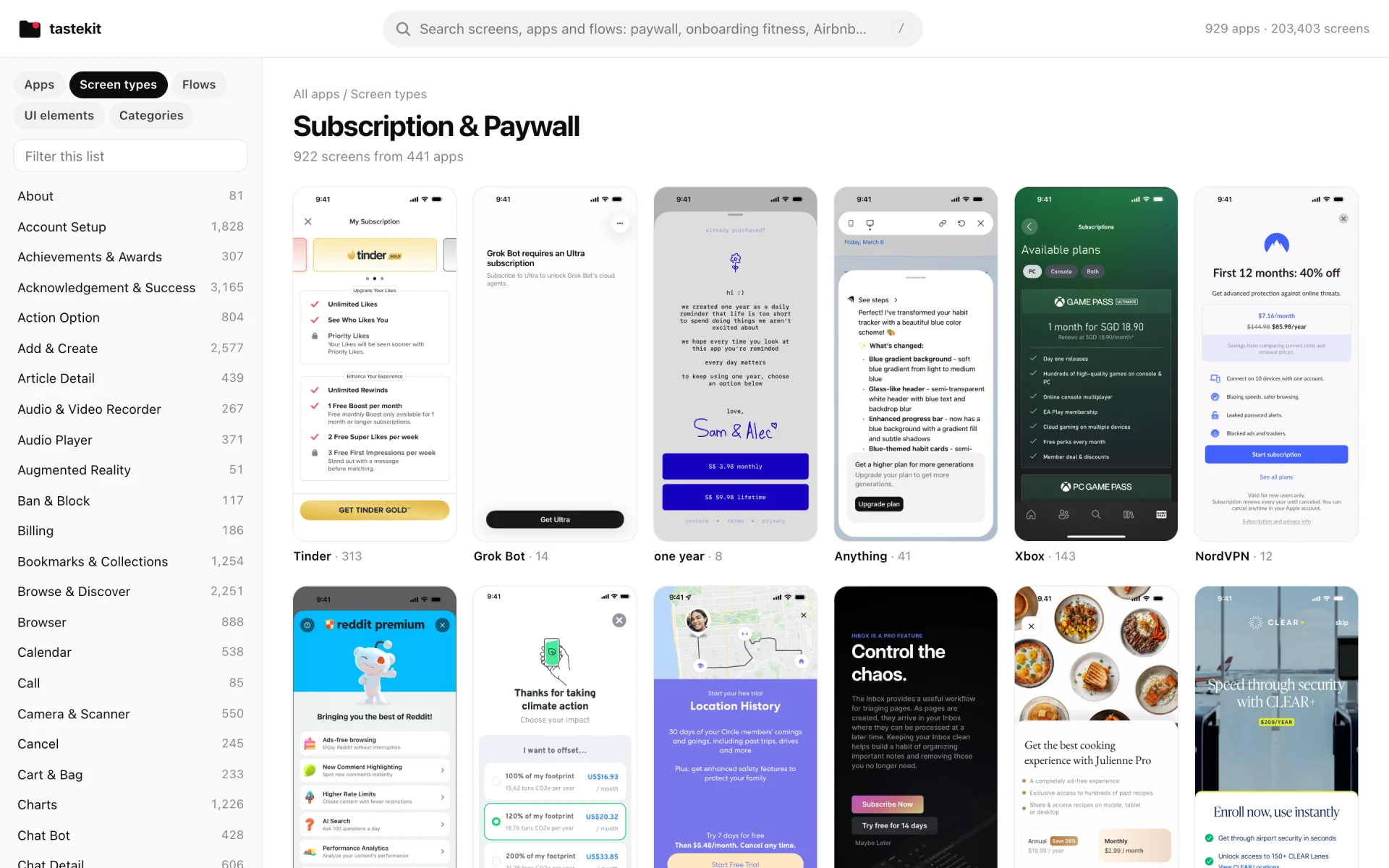
Search anything
Type “paywall fitness” and get the paywall of every fitness app in the folder.
Flows, step by step
50k+ flows in the order you'd tap through them, from sign-up to checkout.
Pick, then copy for AI
Tap + on the screens you like. One button copies them, ready to paste into your AI chat.
One price. Once.
tastekit.zip
- 200k+ screens from 900+ iPhone apps
- Sorted by 100+ screen types, 80+ flow types and 50+ UI elements
- AGENTS.md and catalog.csv, ready for any AI coder
- index.html browser that works offline
One payment. No subscription. Yours to keep.
Questions
What do I get exactly?
One zip. Inside: 200k+ iPhone screenshots from 900+ apps (the latest version of each), sorted into folders by app, screen type, flow, UI element and category. Plus index.html to browse them, AGENTS.md that teaches your AI how to use them, and catalog.csv with every screen on its own line.
Which AI coders does it work with?
Any that can read files on your computer. Claude Code and Codex open the screenshots straight from the folder. For browser builders like Lovable, Bolt or v0, pick screens in index.html and drag them into the chat.
How do I get it after I pay?
Right after checkout you land on your download page. Your email is your account: log in any time at tastekit.zip/account with a link we email you, and download it again.
Do I need internet to use it?
Only to download it. After that everything runs from the folder, offline. No API key, no server.
Is it a subscription?
No. You pay $19 once and the folder is yours.
How big is it?
About 17 GB unzipped. Put it somewhere it can stay, like your home folder, so the line in your AI's rules keeps working.
Does it work on Windows?
Yes. index.html, catalog.csv and the By App folder work everywhere. The other “By …” folders are made of shortcuts, which Mac and Linux open natively. On Windows, browse those views in index.html instead.
Can I put these screenshots in my app?
No. They're other companies' apps. Use them as reference: see how the best apps solved a screen, then build your own.
I make one of these apps. Can I get it removed?
Yes. Email us and we'll take it out of the library and every future download. Here's what to include: Copyright & takedowns.